Personal Edition
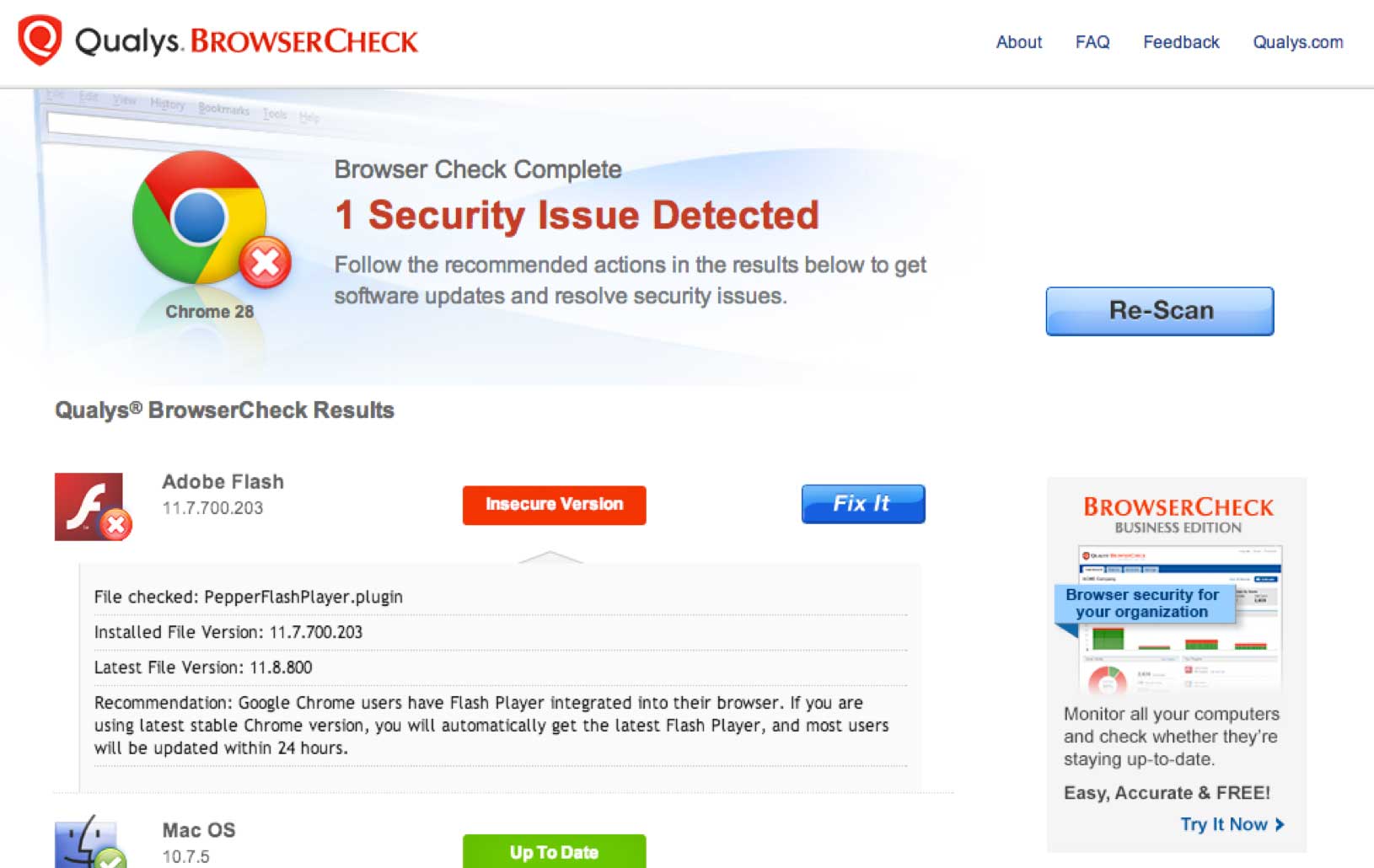
Keep your browsers and computer current with the latest plugins, security settings and patches. Easy “Fix It” button gets you up to date fast.
Launch
1 Scan Your Browser
2 See what’s out-of-date
Browsers, plug-ins, OS settings & updates
3 Click “Fix It”
To update
And it’s constant chore. You have to juggle a never-ending stream of OS patches, browser updates, security settings and application plugins like Java, Flash, and Adobe Reader.
Qualys BrowserCheck monitors your computer and shows you, in one place, what you need to fix. When something’s out of date, just click “Fix It” and Qualys BrowserCheck helps you download the proper update. It’s that easy. Use Qualys BrowserCheck on as many computers as you like – it’s free!
With Qualys BrowserCheck, you don’t need to download complicated software. It works right inside your browser to check your computer for:
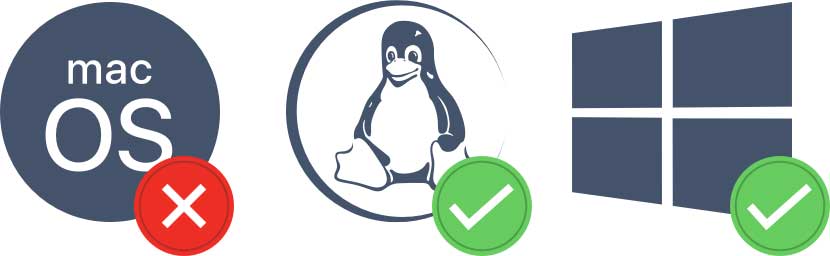
Qualys BrowserCheck currently supports full scanning of Internet Explorer, Firefox and Chrome on Windows and Safari, Chrome and Firefox on MacOS. On other platforms, it does a quick check of just your current browser.
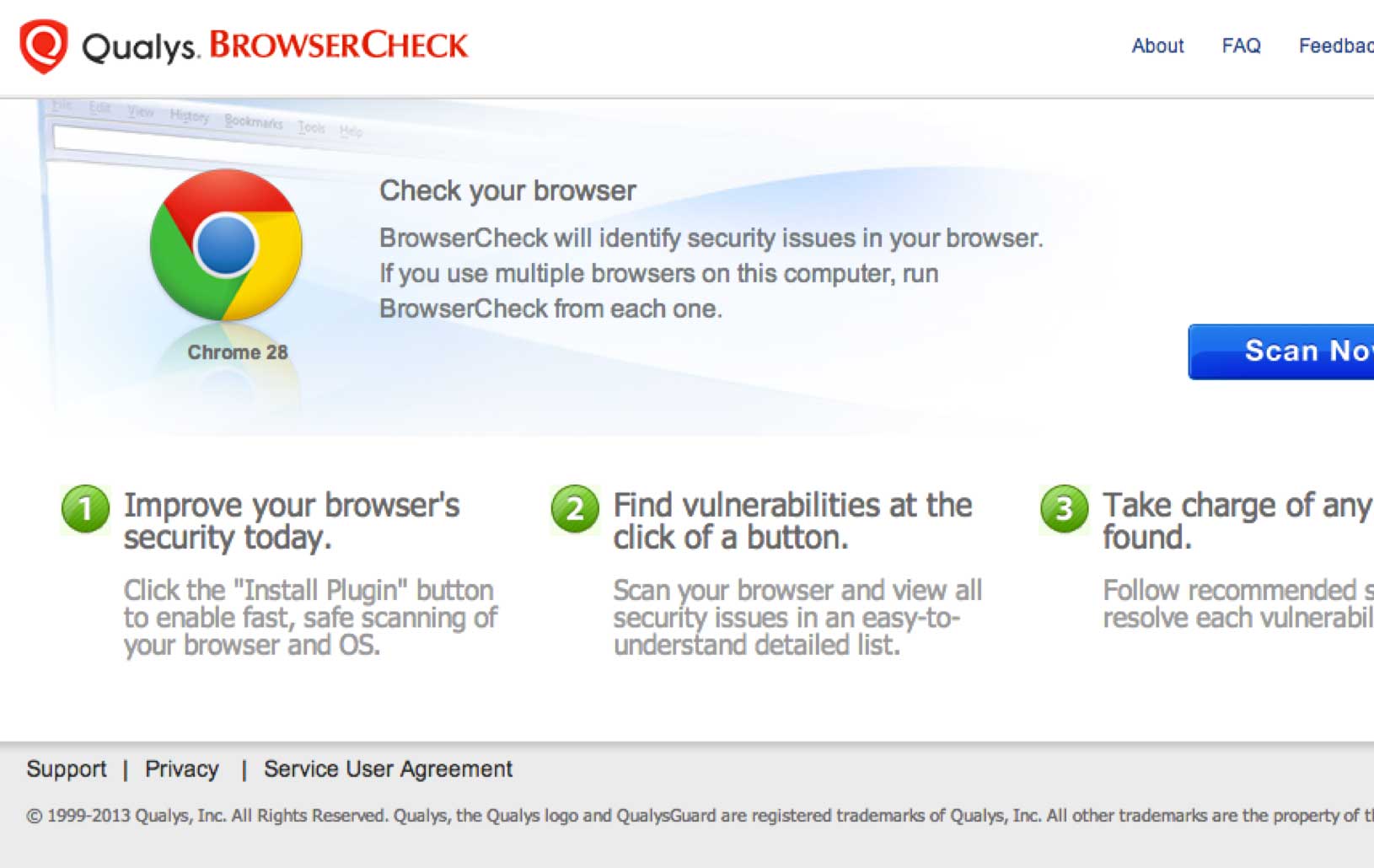

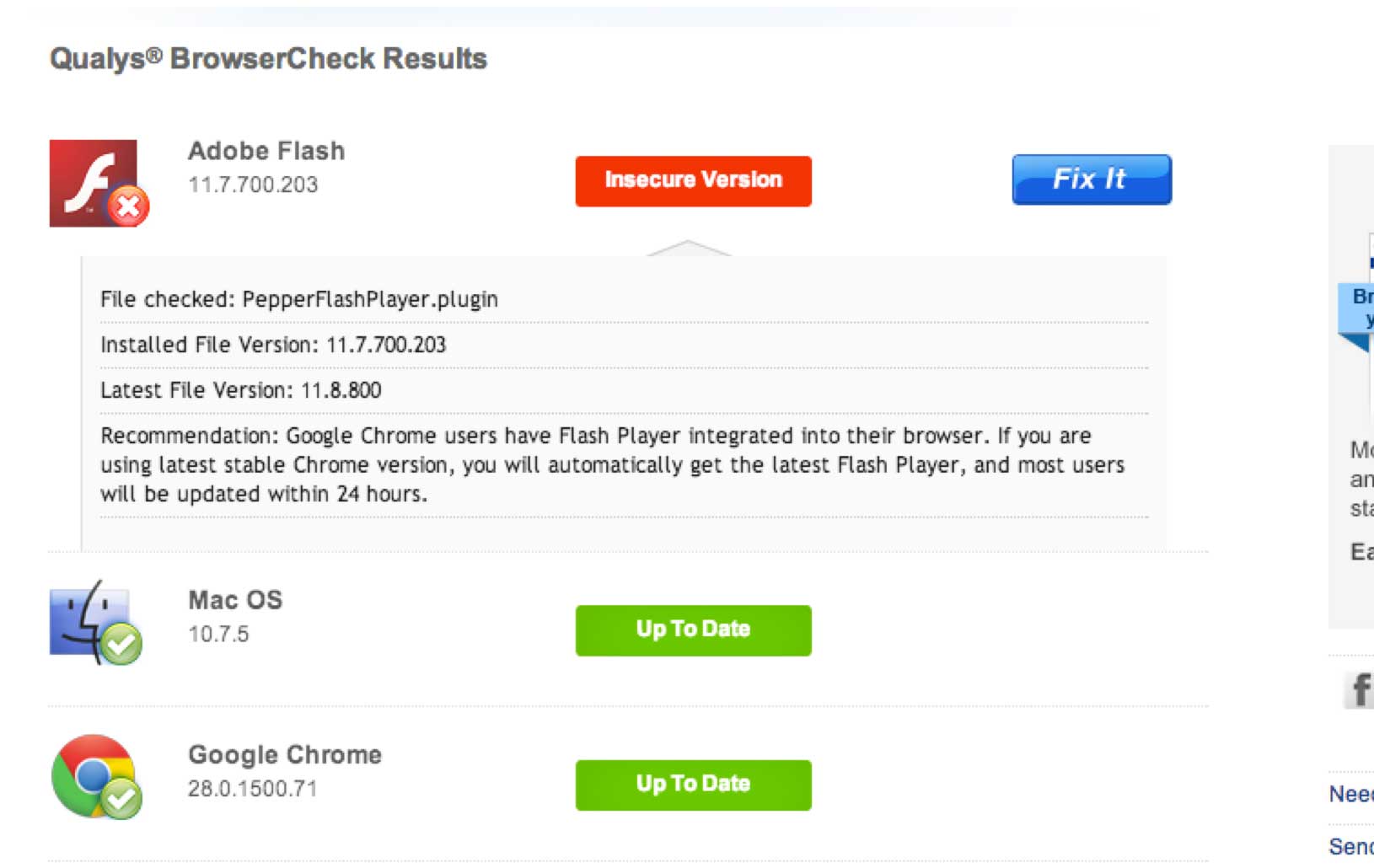
You no longer have to guess whether Java, Flash, Adobe Reader – or other software you see in the news – are up to date. Qualys BrowserCheck scans the browsers and plugins on your computer and displays a simple, color-coded chart showing what you have and whether anything needs fixing.
Browsers and plugins are only as secure as the computer they’re running on. Qualys BrowserCheck’s scans can show you and your users whether each machine’s OS is properly configured for security and has the latest updates.
Qualys BrowserCheck knows when new versions of browsers, plugins, and OS updates become available – and where they should be downloaded from. Simply click “Fix It” to get the latest version, directly from vendors’ official sites.